18 December 2025
Restaurant POS Software
Restaurant Billing Software: What Features Matter Most
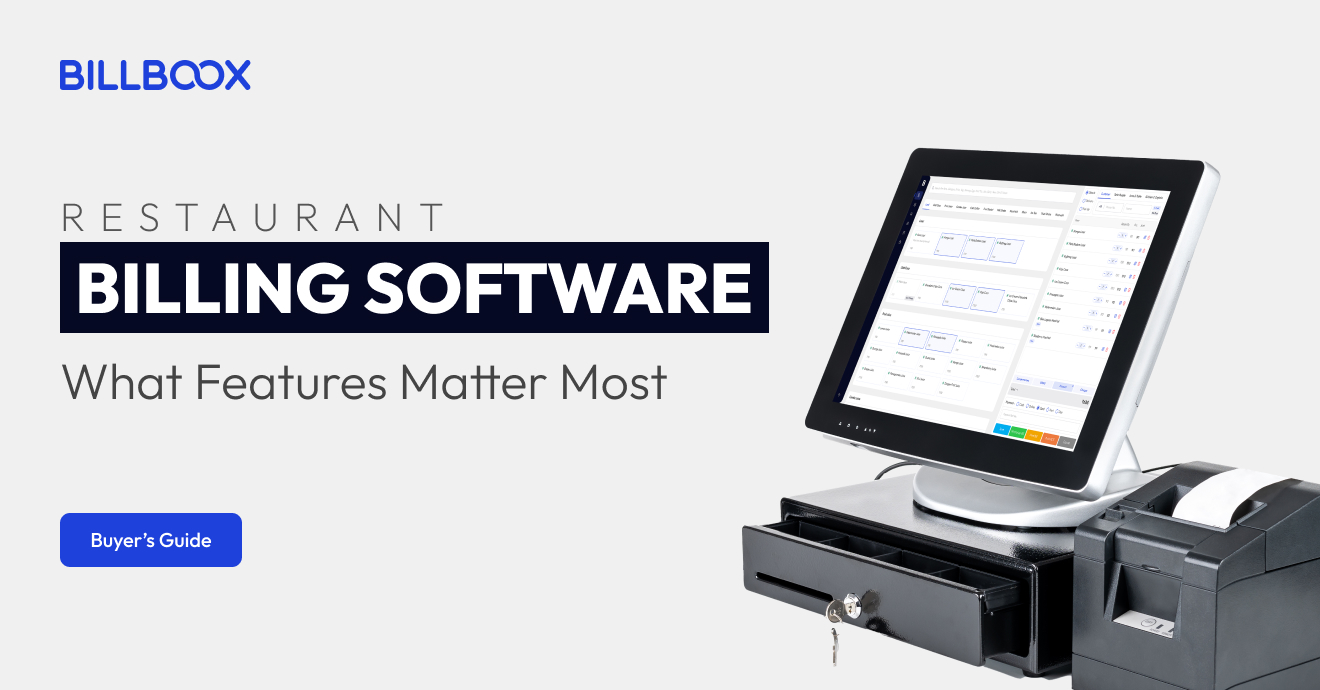
Restaurant Billing System in India (2025): Features, GST Compliance & POS Guide
Choosing the right restaurant billing system is no longer just about printing bills or accepting payments. Today, billing plays a central role in how smoothly your restaurant operates - from order accuracy and kitchen coordination to GST compliance, inventory tracking, and real-time business visibility.
In fast-paced restaurants, even small billing issues can quickly escalate. A slow counter during peak hours, a missed order, or a GST calculation error can lead to customer dissatisfaction, staff stress, and revenue leakage.
This is why modern restaurants are moving beyond basic billing apps and adopting POS-based billing systems designed for real restaurant operations.
In this guide, you’ll understand:
- Why billing is still a daily operational pain point
- What features truly matter in a restaurant billing system
- How modern POS billing systems work
- Where BillBoox fits among available options
Why Restaurant Billing Is Still a Daily Pain Point
Billing problems usually appear during rush hours - not during slow periods.
Common challenges include:
- Billing counters slowing down during peak hours
- Incorrect bills or missed order items
- Manual GST calculation errors
- No real-time visibility into sales or payments
- Poor coordination between billing and kitchen
- Inventory mismatches and unnoticed stock losses
These issues arise when billing systems operate in isolation. When billing is disconnected from kitchen orders and inventory, restaurants rely on manual checks - which don’t scale during busy hours.
How Modern Restaurant Billing Systems Work
A modern restaurant billing system is part of a connected POS ecosystem, not a standalone invoice tool.
In integrated systems:
- Orders flow instantly from billing to kitchen
- GST and discounts apply automatically
- Inventory updates in real time with every sale
- Owners track live sales and payment modes
- Staff roles reduce misuse and errors
When billing connects directly with stock tracking, restaurants gain better cost control. If you want to understand this deeper, read our guide on
👉 How Restaurant Inventory Management Works in POS Software
What to Look for in an Ideal Restaurant Billing System
Before choosing any billing software, evaluate these essential features.
1. Fast Billing During Peak Hours
The system should work smoothly even during rush hours with minimal clicks and no lag.
2. GST-Ready & Error-Free Billing
Automatic GST calculation ensures compliance and simplifies tax reporting.
3. Kitchen Integration (KOT / KDS)
Orders should instantly reach the kitchen via printed KOT or Kitchen Display System.
4. Real-Time Sales Visibility
Live dashboards allow you to monitor sales, payments, and item performance.
5. Inventory Linked With Billing
Every bill should automatically reduce stock to prevent wastage and stock-outs.
6. Staff Role Management
Controlled permissions improve accountability and reduce billing errors.
How BillBoox Fits Into This Ecosystem
BillBoox is built specifically for restaurant operations - not just billing counters.
It connects:
Billing → Kitchen → Inventory → Staff → Reports
Instead of treating billing as an isolated task, BillBoox integrates it with daily workflows to help restaurants:
- Reduce peak-hour delays
- Maintain GST compliance
- Control food costs
- Improve operational visibility
Key Billing & POS Capabilities in BillBoox
- Fast POS Billing
- GST-Compliant Invoices
- Kitchen Display System (KDS)
- Captain App for order taking
- Inventory auto-sync
- WhatsApp bill sharing
- Multi-outlet management
- Centralized dashboard
These features reduce manual work and improve clarity across operations.
Who This Is Ideal For
- QSRs
- Cafés & bakeries
- Casual dining restaurants
- Cloud kitchens
- Multi-outlet businesses
Frequently Asked Questions(FAQs)
1. What is a restaurant billing system?
It is a POS-based system that generates bills, calculates GST, tracks sales, and connects billing with kitchen and inventory.
2. Is GST billing mandatory in India?
GST compliance is mandatory if registered, and POS billing systems simplify accurate tax handling.
3. Can billing software manage inventory?
Yes. Integrated POS systems update inventory automatically with each sale.
4. Is a billing system necessary for small restaurants?
Yes. Even small restaurants benefit from speed, accuracy, and reduced manual errors.
Final Thoughts
Restaurant billing affects more than payments - it influences customer experience, staff efficiency, and business control.
Choosing the right restaurant billing system in India means selecting a solution that supports real-world peak-hour operations and long-term growth.
If you want to see how an integrated POS billing system works in practice, you can request a walkthrough when it fits your decision process.
tags :
Restaurant Billing Software
Restaurant POS
POS Billing Software
Restaurant Management Software
GST Billing for Restaurants
Restaurant Technology
Food Business Software
BillBoox