10 January 2026
Restaurant Operations & Management
Manual Billing vs POS Software: What Restaurants Lose Without Automation
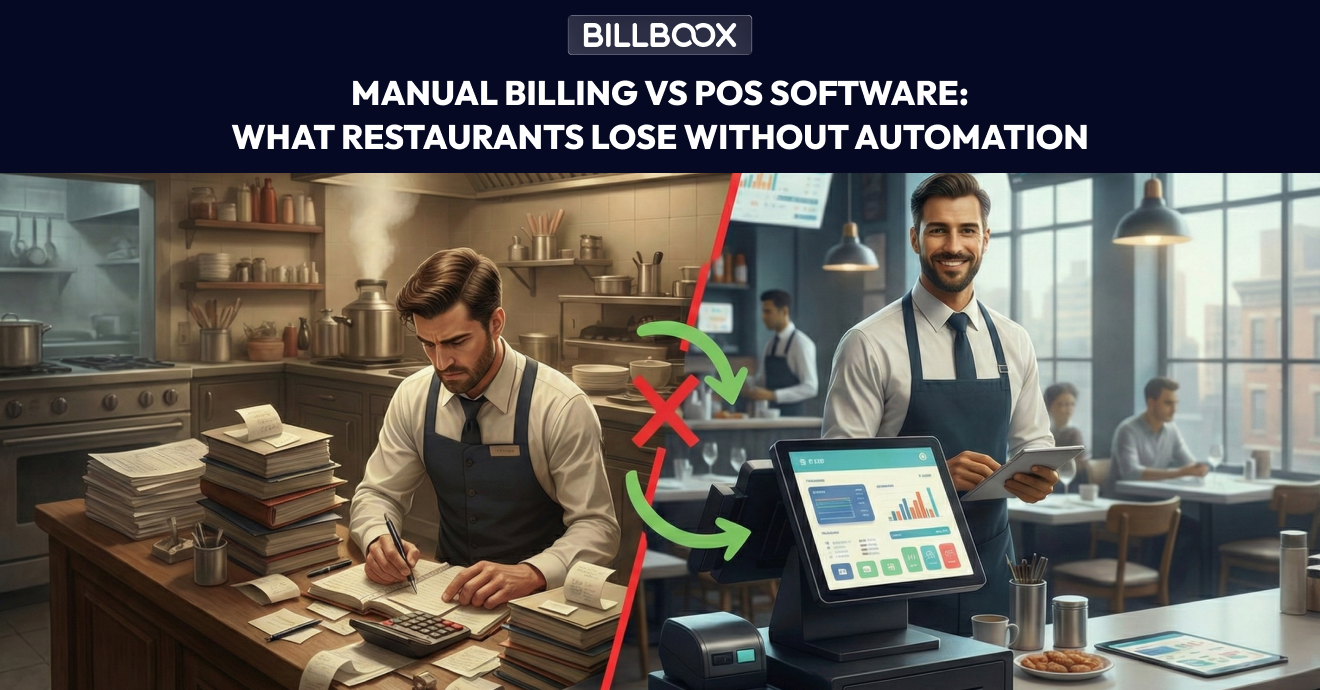
Manual Billing vs Restaurant POS Software (2026 Guide for Growing Restaurants)
Many restaurants still rely on notebooks, calculators, or basic billing machines to manage daily operations. While this may seem manageable in the early stages, the hidden costs of manual billing increase rapidly as order volume grows.
In this guide, we’ll clearly explain manual billing vs restaurant POS software, highlight common restaurant billing mistakes, and show what restaurants actually lose when they delay automation.
If you are evaluating whether to upgrade your billing system, this article will help you make a practical, profit-focused decision.
Understanding Manual Billing vs Restaurant POS Software
To compare manual billing vs POS software, let’s first understand what each approach means in real restaurant operations.
What Is Manual Billing?
Manual billing typically involves:
- Writing orders on paper
- Calculating totals manually or using basic billing machines
- Updating stock in notebooks
- Preparing end-of-day reports by hand
This system depends heavily on human accuracy and memory.
While it may appear low-cost initially, the risk of error increases significantly as daily orders grow.
For example:
If a ₹20 billing mistake happens 20 times per day, that equals ₹400 daily - or over ₹12,000 per month in silent revenue leakage.
What Is Restaurant POS Software?
A Restaurant POS (Point of Sale) system automates:
- Order taking
- GST and tax calculation
- Digital payment processing
- Real-time inventory deduction
- Sales reporting and analytics
Instead of relying on manual processes, POS software connects billing, inventory, and reporting into one centralized system.
👉 Read more: What Is Restaurant POS Software? Meaning, Basics & Benefits Explained
Why Restaurant POS Software Is Becoming Essential in 2026
Modern restaurants manage:
- Dine-in + takeaway
- Zomato & Swiggy orders
- Multiple payment modes (UPI, card, wallet)
- GST compliance
- Food cost control
Manual billing systems struggle to manage this complexity efficiently.
Restaurant POS software helps owners:
- Reduce billing errors
- Increase billing speed
- Track real-time revenue
- Monitor staff performance
- Control food cost percentage
- Scale operations smoothly
Automation today is not a luxury - it is operational infrastructure.
Manual Billing Problems Restaurants Commonly Face
At first glance, manual billing appears cheaper. Over time, however, it creates operational inefficiencies that directly impact profitability.
1. Frequent Restaurant Billing Mistakes
Common manual billing errors include:
- Incorrect item pricing
- Wrong GST calculations
- Missed add-ons
- Double billing or underbilling
Even small mistakes repeated daily can significantly affect monthly revenue.
2. Slow Service During Peak Hours
Manual billing slows down:
- Order taking
- Bill preparation
- Payment confirmation
This increases customer wait time and reduces table turnover - directly affecting revenue during peak hours.
In competitive markets, speed equals revenue.
3. No Real-Time Sales Visibility
With manual billing:
- You cannot track live sales performance
- End-of-day reconciliation takes time
- Business decisions rely on assumptions
In contrast, POS dashboards show:
- Hourly revenue
- Best-selling items
- Payment method breakdown
- Staff performance
Data-backed decisions improve profitability.
4. Inventory Mismanagement
One of the biggest risks of manual billing is poor stock control.
Common issues include:
- Stock-outs during peak hours
- Over-purchasing and wastage
- Pilferage going unnoticed
POS systems automatically deduct inventory with every sale and provide low-stock alerts.
👉 Learn more here: How Restaurant Inventory Management Works in POS Software
5. Dependency on Specific Staff
Manual systems depend heavily on:
- Experienced cashiers
- Trusted staff members
- Individual memory
If a key staff member is absent, operations slow down.
POS software standardizes processes and reduces operational dependency on individuals.
POS vs Manual Billing: Side-by-Side Comparison
| Aspect | Manual Billing | Restaurant POS Software |
|---|---|---|
| Billing Speed | Slow | Fast |
| Billing Accuracy | Error-prone | Automated |
| GST Compliance | Manual | Auto-calculated |
| Inventory Tracking | Manual | Real-time |
| Reports | Time-consuming | Instant |
| Scalability | Difficult | Easy |
| Restaurant Automation | ❌ No | ✅ Yes |
This comparison clearly shows why POS vs manual billing strongly favors automation for growing restaurants.
What Restaurants Lose Without Automation
Delaying restaurant automation does not just slow operations - it restricts growth.
Restaurants lose:
- Revenue due to billing mistakes
- Customers due to slow service
- Control over inventory costs
- Real-time business visibility
- Scalability opportunities
Over time, these hidden losses often exceed the cost of implementing a POS system.
When Should a Restaurant Move to POS Software?
You should seriously consider upgrading if:
- Daily orders are increasing
- You manage delivery + dine-in together
- Inventory discrepancies are frequent
- Billing errors are affecting revenue
- You plan to expand to multiple outlets
Cloud kitchens and delivery-focused restaurants benefit even more from centralized automation.
👉 Read: Best POS Software for Cloud Kitchens & Delivery-Only Restaurants
Frequently Asked Questions(FAQs)
1. What is the main difference between manual billing and POS software?
Manual billing relies on human effort, while POS software automates billing, inventory, and reporting.
2. Are billing mistakes common with manual billing?
Yes. Manual calculations often lead to pricing errors, GST mistakes, and missed items.
3. Is POS software expensive compared to manual billing?
Initially, POS software may require investment, but it reduces revenue leakage and improves efficiency long-term.
4. Can small restaurants benefit from POS software?
Yes. Small restaurants often benefit the most from better cost control and faster billing.
5. Does POS software support restaurant automation?
Yes. POS systems form the foundation of restaurant automation by connecting billing, inventory, and operations.
6. Can POS software work without internet?
Most modern POS systems support offline billing and automatically sync data once internet connectivity is restored.
Final Thoughts
The debate between manual billing vs restaurant POS software is no longer about convenience - it is about operational efficiency and growth.
Manual billing increases errors, slows service, and limits visibility.
Restaurant POS software improves speed, accuracy, inventory control, and scalability.
For restaurants aiming to grow sustainably in today’s competitive market, automation is not optional - it is essential.
About the Author
This article is published by the BillBoox team, focused on helping restaurants simplify billing, control inventory, and improve operational efficiency through practical POS solutions. Our goal is to provide clear, experience-backed insights that help restaurant owners make informed technology decisions.
tags :
Manual billing vs pos software
Restaurant billing mistakes
Manual billing problems
Pos vs manual billing
Restaurant automation
Restaurant pos software
Billing software for restaurants