07 January 2026
Restaurant POS Software
What Is Restaurant POS Software? Meaning, Basics & Benefits Explained
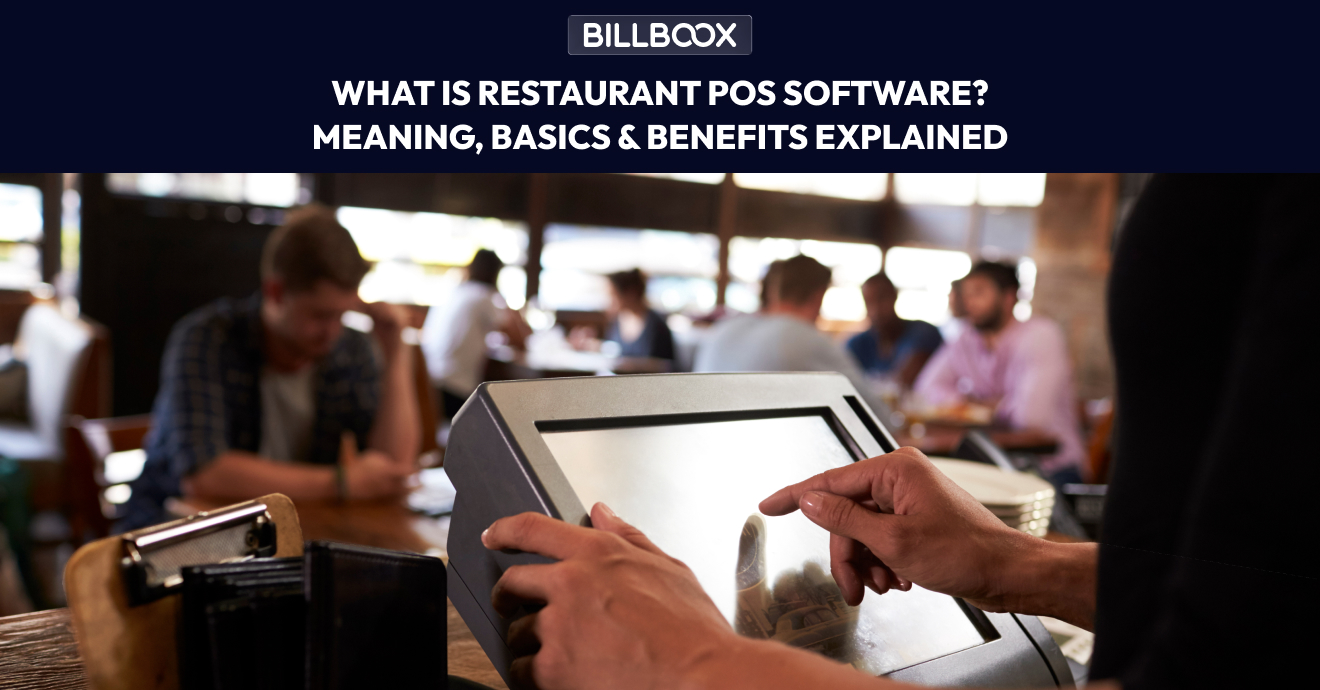
What Is Restaurant POS Software? Meaning, Uses & Benefits Explained Simply
Running a restaurant today is very different from how it was a decade ago. Orders now come from dine-in, takeaway, delivery apps, QR menus, and online platforms. Managing all of this manually is slow, error-prone, and stressful.
That’s where restaurant POS software comes in.
If you’ve ever searched for restaurant POS software meaning or wondered what POS actually means in restaurants, this guide explains it clearly, in simple language, so you can decide confidently whether your restaurant needs one.
Restaurant POS Software Meaning (In Simple Words)
Restaurant POS software stands for “Point of Sale” software.
In simple terms:
Restaurant POS software is a digital system that helps restaurants take orders, generate bills, accept payments, track sales, manage inventory, and view business reports - all from one platform.
Earlier, POS meant just a cash counter.
Today, it is a complete restaurant management system.
This definition directly answers:
- what does POS mean in restaurants
- what does POS stand for in restaurants
- POS software meaning
What Does POS Mean in Restaurants?
In restaurants, POS means the point where a customer places an order and makes a payment.
But modern POS systems go far beyond billing. They connect:
- Ordering
- Kitchen operations
- Inventory
- Payments
- Reporting
This is why restaurants rely on POS software to run daily operations smoothly.
What Is POS System and Why Restaurants Use It
So, what is a POS system exactly?
A restaurant POS system combines:
- Software – the billing and management application
- Hardware – mobile, tablet, billing screen, printer (optional)
Restaurants use POS systems because they help to:
- Speed up billing
- Reduce order mistakes
- Track sales automatically
- Control inventory
- Generate real-time reports
Instead of managing registers, notebooks, and Excel sheets separately, everything works together in one system.
POS Meaning in Restaurant: Not Just Billing Anymore
Many owners think POS meaning in restaurant = billing software.
That’s only partly true.
Traditional Billing System
- Generates bill
- Accepts payment
- Ends there
Modern Restaurant POS Software
- Takes orders
- Sends orders to the kitchen
- Generates GST-ready bills
- Tracks inventory automatically
- Shows daily, weekly, monthly reports
- Helps monitor staff activity
That’s why modern POS systems are restaurant management tools, not just billing counters.
If you want to explore this in more detail, read:
👉 Restaurant Billing Software: Features That Matter Most
How Does Restaurant POS Software Work? (Step by Step)
Understanding restaurant POS basics makes it easier to use the system confidently.
1. Order Entry
Orders are entered through:
- Billing counter
- Mobile device
- QR menu
- Delivery platform integration
2. Kitchen Order Processing
Orders are instantly sent to:
- Kitchen display system
- Kitchen printer
No shouting. No confusion.
3. Billing & Payment
The POS system:
- Calculates totals
- Applies GST
- Accepts cash, card, UPI, and wallets
- Generates digital or printed bills
4. Inventory Updates
Every item sold:
- Automatically reduces stock
- Helps track raw materials accurately
Learn more here:
👉 How Restaurant Inventory Management Works in POS Software
5. Reports & Insights
Owners can view:
- Daily sales
- Best-selling items
- Peak hours
- Payment mode breakup
- Staff performance
What Is Restaurant Billing POS and How Is It Different?
A restaurant billing POS mainly focuses on:
- Billing
- Payments
- Basic sales reports
A full restaurant POS system also includes:
- Inventory control
- Kitchen order flow
- Customer data
- Multi-outlet support
- Online order synchronization
If you run a very small café, billing POS may work initially. But as volume grows, a complete POS system becomes necessary.
Who Should Use Restaurant POS Software?
Restaurant POS software is ideal for:
- Cafés
- Fast-food outlets
- Fine-dine restaurants
- Cloud kitchens
- Food courts
- Multi-location restaurant chains
If you operate delivery-only kitchens, this guide will help further:
👉 Best POS Software for Cloud Kitchens & Delivery-Only Restaurants
Benefits of POS Systems in Restaurants
✔ Faster Service
Orders and billing happen in seconds.
✔ Fewer Errors
No handwritten orders or manual calculations.
✔ Better Inventory Control
Know exactly what’s running low and what’s getting wasted.
✔ Clear Business Insights
Make decisions based on data, not guesswork.
✔ Easy Scalability
Add new outlets, menus, or staff without chaos.
Common Myths About Restaurant POS Software
Myth 1: POS is only for big restaurants
Reality: Small cafés benefit the most from automation.
Myth 2: POS systems are complicated
Reality: Modern POS software is built for non-technical users.
Myth 3: POS is expensive
Reality: Cloud-based POS systems are affordable and scalable.
Frequently Asked Questions(FAQs)
1. What is restaurant POS software meaning in simple terms?
It means a digital system that manages orders, billing, payments, inventory, and reports for a restaurant from one place.
2. What is POS system used for in restaurants?
Restaurants use POS systems to take orders, generate bills, accept payments, track sales, and manage daily operations efficiently.
3. Is restaurant POS software only for billing?
No. Billing is only one part. POS also manages inventory, kitchen orders, reports, and staff activity.
4. Can small restaurants use POS software?
Yes. Small restaurants benefit greatly because POS reduces manual work and improves accuracy.
5. What is the difference between billing software and POS software?
Billing software focuses only on payments, while POS software manages the entire restaurant workflow.
6. Do I need internet for POS software?
Most cloud POS systems need internet, but many also support offline billing with later data sync.
7. Is POS software mandatory for GST compliance?
It’s not mandatory, but POS software makes GST billing and reporting much easier and error-free.
Final Thoughts
Understanding the restaurant POS software meaning is the first step toward running a smarter, faster, and more profitable restaurant.
A POS system is no longer a luxury - it’s a necessity for restaurants that want to reduce errors, gain visibility, and grow sustainably.
If you’re still using manual billing or basic software, upgrading to a POS can completely transform how your restaurant operates.
tags :
Restaurant pos software
Restaurant pos software meaning
What is pos system
Pos meaning restaurant
Restaurant billing pos
Restaurant pos basics
Restaurant Management Software
Billing software for restaurants