27 January 2026
Restaurant Operations & Management
How to Reduce Food Cost in Restaurants Using POS Inventory
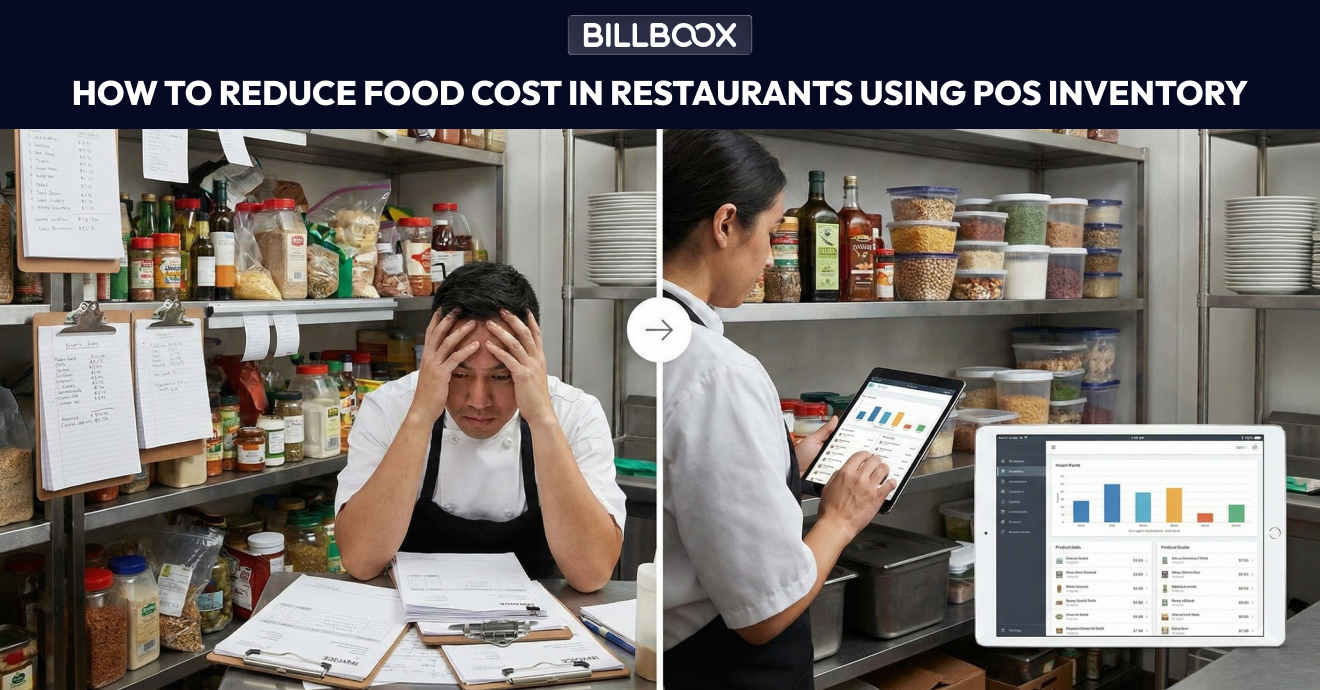
How to Reduce Food Cost in Restaurant Using POS & Inventory Software (2026 Guide)
Food cost is one of the biggest silent profit killers in a restaurant.
You might have good sales, full tables, and busy weekends - yet at the end of the month, margins feel tight. Most of the time, the problem isn’t low revenue.
It’s poor food cost control.
Small issues like over-ordering, untracked wastage, inaccurate portioning, or missing stock records quietly eat into profits every single day.
That’s exactly why modern restaurants use POS inventory systems to reduce food cost in restaurant operations and gain control over expenses without cutting quality.
If you're evaluating whether upgrading your system makes financial sense, you can review our detailed guide on POS Price in India to understand costs, ROI, and long-term benefits.
In this guide, we’ll break down how POS inventory helps reduce food cost, control wastage, and improve restaurant cost management - practically and realistically.
What Is Food Cost in a Restaurant?
Food cost is the total cost of ingredients used to prepare the food you sell.
It includes:
- Raw material purchases
- Ingredient consumption
- Wastage and spoilage
- Pilferage (theft or unrecorded usage)
Food cost percentage is calculated as:
Food Cost % = (Cost of Food Used ÷ Food Sales) × 100
Even a 2–3% increase in food cost can significantly reduce annual profit.
That’s why understanding how to reduce food cost in restaurant operations is critical for long-term sustainability.
Why Food Cost Goes Out of Control in Restaurants
Restaurants rarely lose profit because of one big mistake.
They lose it through small operational leaks.
1) No Real-Time Inventory Tracking
Without live stock visibility, managers don’t know:
- What’s actually available
- What’s already consumed
- What’s about to expire
This leads to over-ordering and spoilage.
2) Manual Inventory Records Are Inaccurate
Pen-and-paper or Excel-based systems often:
- Get updated late
- Have missing entries
- Don’t match physical stock
Decisions made on incorrect data increase food cost over time.
3) No Recipe-Level Costing
Many restaurants don’t know:
- Exact ingredient cost per dish
- Real margin per menu item
They sell items assuming profitability - without verifying actual cost.
4) Wastage Is Not Recorded
Spoilage, over-prep, and expired stock often go untracked.
If wastage is invisible, it cannot be controlled.
5) Theft & Pilferage Go Unnoticed
Without integrated systems, small daily stock losses accumulate quietly.
What Systems Connect Recipes With Inventory and POS?
Modern POS inventory systems connect:
- Billing
- Recipe management
- Inventory tracking
- Purchase management
Here’s how it works:
- A dish is sold through POS
- The linked recipe deducts ingredients automatically
- Inventory updates in real time
- Reports show theoretical vs actual consumption
This integration is what enables restaurants to reduce food cost in restaurant operations effectively.
Without recipe-to-inventory integration, food costing becomes guesswork.
What Is POS With Food Cost Tracking?
A POS with food cost tracking is a system that:
- Calculates cost per dish automatically
- Tracks ingredient-level consumption
- Shows real-time food cost percentage
- Identifies stock variance
Unlike basic billing software, advanced restaurant inventory software provides continuous margin visibility.
If you want a deeper understanding of inventory-focused systems, read our detailed Restaurant Inventory Software Guide to explore features, benefits, and implementation insights.
How POS Inventory Helps Reduce Food Cost in Restaurants
A POS inventory system doesn’t just track stock.
It builds process discipline, visibility, and accountability.
1) Real-Time Stock Visibility Prevents Over-Ordering
With POS inventory:
- Every purchase updates stock
- Every sale deducts ingredients automatically
- Managers see live inventory levels
This helps:
- Order accurately
- Avoid overstocking
- Reduce spoilage
Result: Lower holding costs and better control.
2) Recipe-Based Inventory Controls Ingredient Usage
Each menu item is linked to a recipe.
Example:
1 pizza → flour + cheese + sauce + toppings
1 biryani → rice + oil + spices + chicken
Every sale deducts predefined ingredient quantities.
This allows you to:
- Control portion sizes
- Track theoretical vs actual consumption
- Identify operational leakage
Result: Strong food cost control at dish level.
3) Identify High-Cost & Low-Margin Items
POS inventory provides:
- Cost per dish
- Selling price
- Gross margin
This enables smarter decisions:
- Adjust pricing
- Modify portion sizes
- Remove low-margin items
- Promote high-margin dishes
Food cost isn’t the only factor affecting profit. Delivery platform commissions also impact margins. To understand that clearly, read our Zomato Commission Breakdown guide.
4) Food Wastage Control Through Tracking
With a structured POS system, you can:
- Record spoilage
- Log expired stock
- Track over-prep wastage
Patterns quickly become visible:
- Items that expire frequently
- Shifts with higher variance
- Days with unusual stock movement
Result: Reduced food wastage and improved planning.
5) Better Purchase Planning Using Consumption Reports
POS inventory generates:
- Daily usage reports
- Weekly consumption trends
- Fast-moving vs slow-moving analysis
This helps you:
- Plan purchases accurately
- Negotiate better supplier pricing
- Avoid emergency procurement
Result: Predictable purchasing and stable food cost percentage.
6) Prevent Theft & Pilferage Automatically
When sales, recipes, and inventory are integrated:
- Stock mismatches become visible
- Variances are flagged
- Accountability increases
This discourages misuse without confrontation.
Signs Your Restaurant Needs POS Inventory for Food Cost Control
You should consider upgrading if:
- Food cost percentage keeps rising
- Weekly stock mismatches occur
- You don’t know dish-level margins
- Wastage isn’t recorded daily
- Purchasing feels reactive
These are clear indicators that your current system lacks control mechanisms.
Practical Insight From Real Restaurant Operations
In our experience working with restaurant operators, food cost variance often increases during busy weekends due to portion inconsistency and unrecorded wastage.
When recipes are system-controlled and inventory deductions are automated, variance typically drops within weeks.
Even a 2–4% reduction in food cost can significantly improve annual profitability.
Final Thoughts: Food Cost Control Is a System, Not Guesswork
If you want to reduce food cost in restaurant operations, guessing is not enough.
Using POS inventory and restaurant food costing software helps you:
- Control wastage
- Manage inventory accurately
- Improve margins
- Grow profits sustainably
Food cost control is not about cutting quality.
It’s about building operational systems that protect profit.
About the Author
This guide is written by the Billboox product team. Billboox is a restaurant-focused POS and inventory platform helping restaurants streamline billing, manage stock, and improve profitability through structured operational systems.
tags :
Reduce food cost in restaurant
Food cost control
Restaurant food costing software
Food wastage control
Restaurant cost management
Pos inventory
Restaurant inventory management
Restaurant profitability